
Subtotal: Rs. 0.00
Laptop Spares & Dedicated Accessories
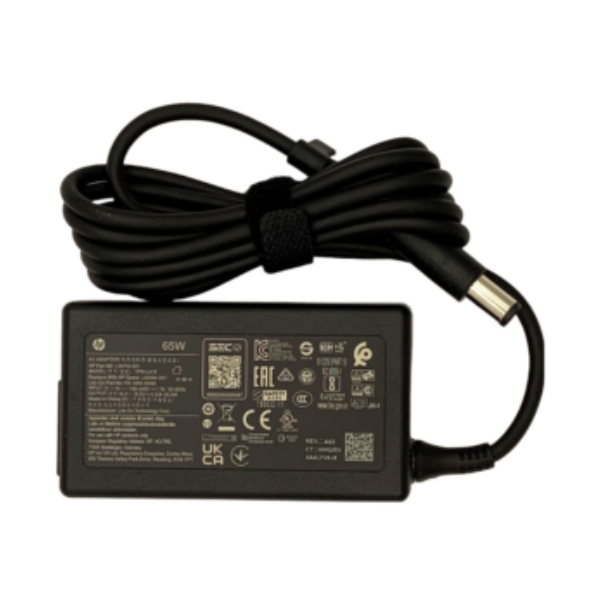
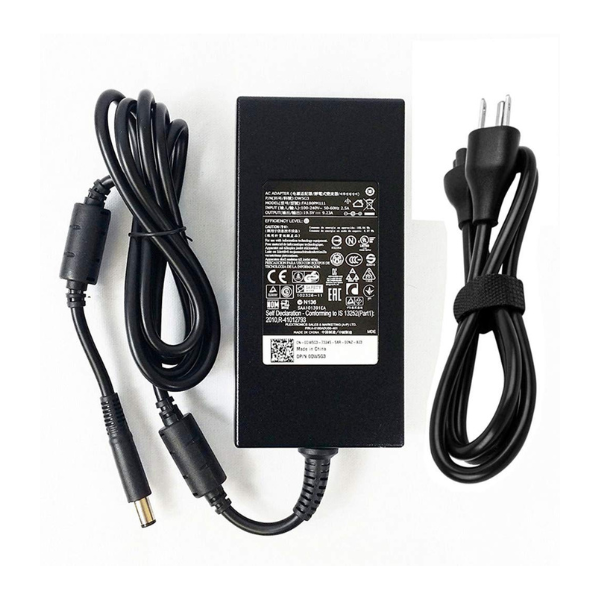
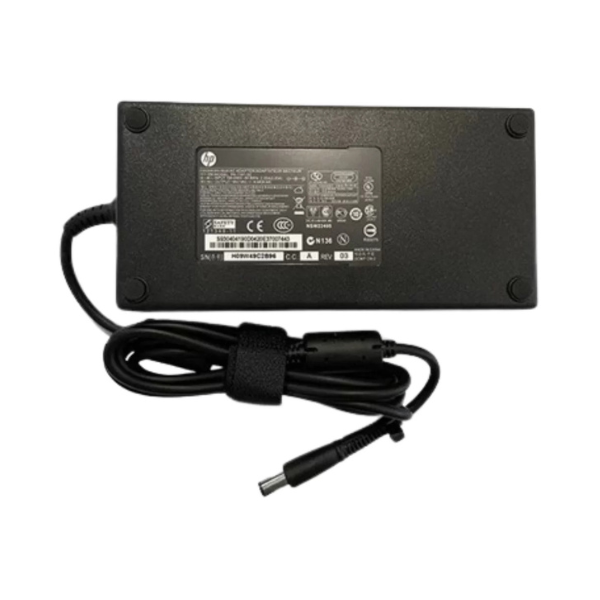
HP Original 180W 19.5V 9.5A 7.4*5mm Laptop Adapter (6M)
Availablity:
In stock
Rs. 15,500.00
Input: AC 100V – 240V 50-60Hz Output: 19.5V 9.5A Power: 180W Connector Size: 7.4*5.0mm
SKU: 846531
Ensuring proper handling of the laptop charger cable greatly reduces the risk of internal wire damage and charging issues. Overstretching or bending the charger cable excessively can cause internal wire breakage, resulting in charging failures and potential laptop damage.
Sharp bends create stress points along the cable, weakening insulation and eventually exposing wires. This deterioration notably increases the risk of short circuits or electrical fires.
To extend the lifespan of the charger cable, users should handle it gently and avoid pulling or twisting the cable tightly during use. Allowing the cable to remain loosely coiled, without creating tension points, prevents internal stress and maintains cable integrity.
Regular inspections for visible signs of wear, such as frayed insulation or exposed wiring, help identify issues early before they escalate.
Implementing cable management solutions, such as cable organizers or clips, further reduces tension and bending, protecting the charger cable and prolonging its effective lifespan.
Properly Wrap and Store Your Charger
Because improper wrapping and storage practices can greatly shorten the lifespan of a laptop charger, adopting correct techniques is essential for maintaining ideal charger functionality.
Users should properly wrap their charger by loosely looping the power cord, ensuring bends remain gentle and not too sharp. Tightly wrapping the cable places repetitive stress on the internal copper conductors, potentially causing wire breakage and charger failure over time.
To extend its life, consistently vary the wrapping pattern during storage, as this practice evenly distributes stress across the cable and minimizes isolated points of damage. Organized storage solutions, such as dedicated pouches or coil organizers, assist in preventing cord tangling, kinking, and accidental strain.
Additionally, users should routinely inspect their charger cables, particularly around connection points, for any signs of wear or damage. Prompt identification and addressing of issues help preserve charger integrity, performance, and overall longevity.
Keep Your Charger Away From Liquids and Moisture
When exposed to liquids or moisture, laptop chargers face significant risks of electrical damage, malfunction, and potential safety hazards such as electrocution.
Moisture can corrode internal components of the charger, causing decreased functionality, equipment failure, and potential electrical hazards. As a result, it is essential to keep the charger away from damp or wet areas such as kitchens and bathrooms, and avoid charging laptops in environments with high humidity levels.
To protect the charger from moisture-related damage, users should follow these practical guidelines:
- Keep chargers away from sinks, drinks, or other liquid sources to avoid accidental water contact.
- Immediately disconnect and thoroughly dry the charger if it comes into contact with liquids.
- Regularly examine the charger for corrosion, discoloration, or other signs of moisture damage.
- Store chargers in dry, controlled environments to prevent moisture buildup and corrosion, ensuring safe operation and extended lifespan.
Unplug Your Charger When Not in Use
Unplugging the laptop charger when it is not in use prevents unnecessary overheating, reducing internal stress on charger components and prolonging its lifespan. When continuously plugged into an outlet, chargers experience ongoing power draw, causing gradual wear and tear on internal circuitry. Over time, this increases the risk of electrical component failure, potentially leading to costly replacements.
By consistently unplugging the charger, users minimize this constant electrical load, effectively reducing the chances of internal damage.
Moreover, unplugging the charger considerably contributes to energy conservation, decreasing electricity usage and lowering overall utility expenses. Regularly disconnecting the charger when idle promotes a sustainable practice that aligns with environmentally conscious habits.
Consistent unplugging can remarkably extend the life expectancy of the charger by several years, depending heavily upon individual usage patterns. Establishing a routine of disconnecting the charger whenever it’s not actively charging the laptop is a practical measure that guarantees charger longevity and reliability.
Technical Specifications
Power Specifications
Product Type: Original Laptop AC Adapter
Brand: HP
Output Power: 180W
Input Voltage: 100–240V AC
Input Frequency: 50–60Hz
Input Current: 2.9A (Max)
Output Voltage: 19.5V DC
Output Current: 9.23A (Rated)
Power Efficiency: High-Efficiency Switching Power Supply
Connector
DC Connector Size: 7.4 × 5.0 mm Barrel Connector with Center Pin
Cable Length: 6 Feet (Approx. 1.8 m)
AC Power Cord: Included (Model Dependent)
Compatibility
Compatible Brand: HP
Supported Devices: HP Laptops and Mobile Workstations requiring 19.5V / 180W with a 7.4 × 5.0 mm center-pin connector.
Compatibility: Compatible with selected HP Pavilion, ProBook, EliteBook, ZBook, Omen, and other HP models using a 180W Smart AC Adapter.
Performance
Stable Power Output: 19.5V / 9.23A Continuous Output
Fast & Efficient Charging: Delivers up to 180W for high-performance laptops.
Energy Efficient: Optimized power conversion with low standby power consumption.
Protection Features
Over Voltage Protection (OVP)
Over Current Protection (OCP)
Short Circuit Protection (SCP)
Over Temperature Protection (OTP)
Surge Protection: Yes
Physical Specifications
Color: Black
Housing Material: Durable ABS Plastic
Adapter Type: External Switching Power Adapter
Weight: Approx. 600–800 g (Including Cable)
Reliability
Original HP Quality: Designed to meet HP performance and safety standards.
High Durability: Built for continuous daily use.
Safe Operation: Multiple built-in protection circuits ensure reliable charging.
Applications
- HP Gaming Laptops
- HP Mobile Workstations
- HP Business Laptops
- HP High-Performance Notebooks
- Replacement or Spare Power Adapter
Package Contents
- HP Original 180W 19.5V Laptop Adapter
- AC Power Cord (Region Dependent)
- User Guide / Warranty Information